 RequestBite
RequestBite Proxy
What is Proxy?
The RequestBite Proxy is a highly performant REST API that can proxy HTTP requests for webapps and be used to read files and browse directories on the machine on which it is installed.
It is used as a proxy server by Slingshot as it's almost impossible for webapps to directly make HTTP requests to arbitrary HTTP resources because of CORS restrictions. If installed locally (with necessary config options enabled), Slingshot will also do local file browsing in certain situations (e.g. when importing or updating files).
Beyond existing as a hosted solution that Slingshot uses as its default proxy, this page is about running Proxy yourself on your local computer as that provides a number of benefits:
- Your API calls don't need to pass our servers (unless you want to).
- You can access APIs you are running locally (e.g. during development) or services that are behind a firewall or VPN or otherwise not reachable over the public Internet.
- You can browse local directories and open local files directly in Slingshot.
To learn about how you can extend Proxy yourself, how to build it from source or how to run it in a Docker container, please head over to the project's GitHub repo.
Installation
Proxy is automatically installed when you install RBite CLI.
Usage
While Proxy can be used in many settings, e.g. as a server process behind a reverse proxy such as Nginx, this guide is about using it on the command line.
To start it with default settings, run:
rbite-proxy
It will then by default listen to port 7331 like so:
RequestBite Slingshot Proxy v0.4.1 listening on port 7331
Press Ctrl+C to stop
To use it with Slingshot so that you can access local APIs or services, follow this guide.
Use custom port
By default Proxy listens to requests on port 7331. To pick another one, run:
rbite-proxy -p {port}
Upgrade
Upgrading Proxy is done automatically when starting it. If you do not want this to happen, start Proxy like so:
rbite-proxy --no-upgrade-check
Enable file browsing
If you want to allow Slingshot (or any HTTP-based client) to browse directories and open files from your local computer, you can run Proxy like so:
rbite-proxy --enable-local-files
This will present you with a warning similar to this:
╔═══════════════════════════════════════════════════════════════════════════╗
║                                                                           ║
║                                 WARNING!                                  ║
║                                 ========                                  ║
║                                                                           ║
║  You have enabled file browsing and the ability to read files via the     ║
║  POST /dir and /file endpoints. This means clients (on localhost) can     ║
║  read any directories and files your user has access to. Use with         ║
║  caution.                                                                 ║
║                                                                           ║
╚═══════════════════════════════════════════════════════════════════════════╝
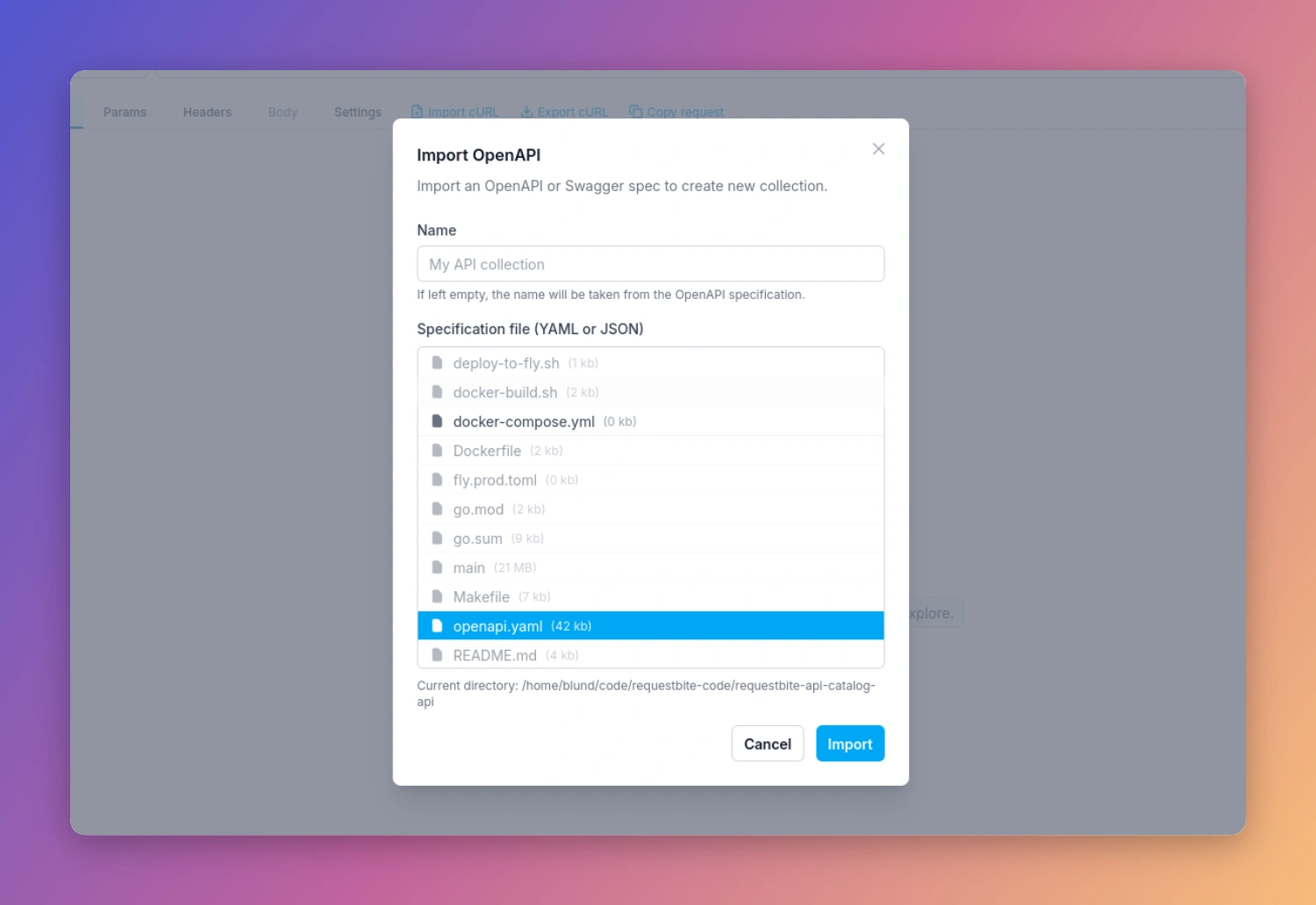
Now if you e.g. click "Import" > "OpenAPI spec..." in Slingshot, you will be able to browse and open files from your local computer like any native app:
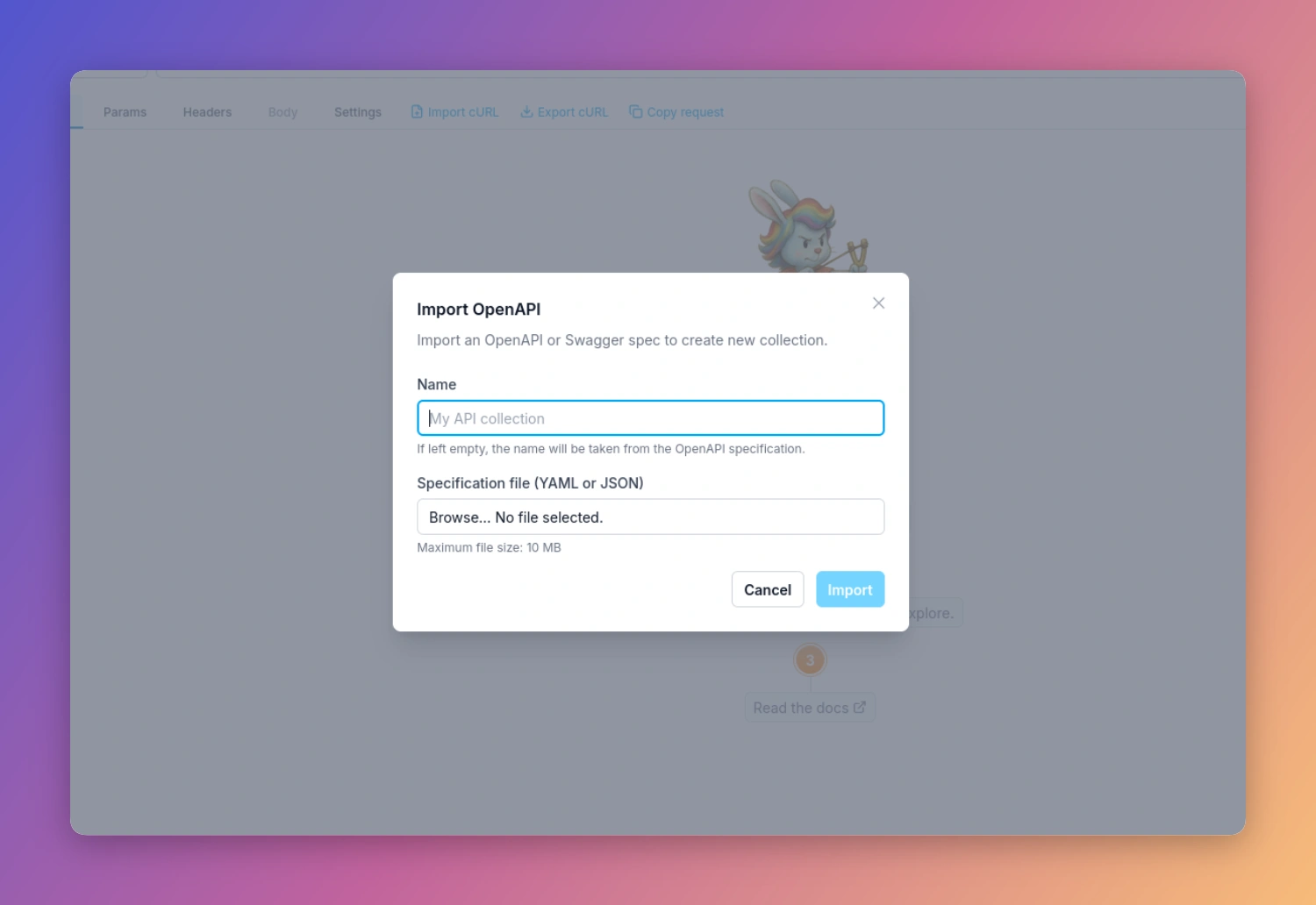
If you do not run Proxy, this (and other) modals for uploading a local file looks like this:
Enable execution of processes
Although not used in Slingshot, you can enable Proxy to allow execution of applications on your machine. This allows you to build web-based apps that can truly interact with your computer such as executing CLI apps. This is a powerful way to e.g. build web-based tools that can perform actions not generally allowed by web apps - but you should use strict caution when doing so as it means a web app can execute applications with the same permissions as your local user.
To do this, run Proxy like so:
rbite-proxy --enable-exec
This will present you with a warning similar to this:
╔═══════════════════════════════════════════════════════════════════════════╗
║                                                                           ║
║                                 WARNING!                                  ║
║                                 ========                                  ║
║                                                                           ║
║  You have enabled local execution of processes via the POST /exec         ║
║  endpoint. This means clients (on localhost) can execute any process      ║
║  as your user. Use with extreme caution.                                  ║
║                                                                           ║
╚═══════════════════════════════════════════════════════════════════════════╝
Using local Proxy in Slingshot
Read this article on how to configure Slingshot to run your locally installed Proxy.